Official Integrations
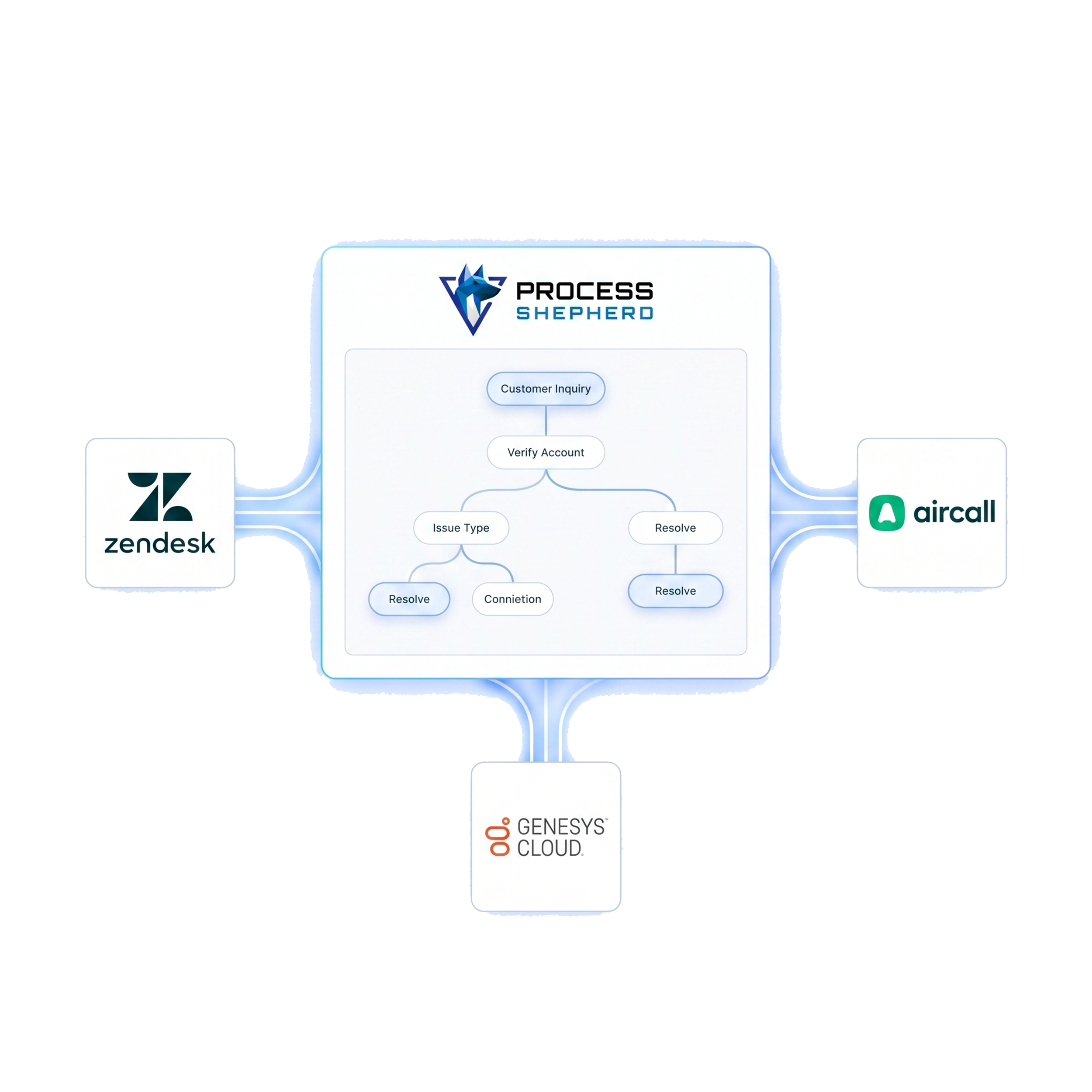
Native apps and connectors for the world's most popular helpdesk and contact center platforms.

Zoho Desk
In-ticket decision trees that help agents resolve issues faster without switching tools or searching documents.
Learn more
Genesys Cloud
Structured guidance tied to each interaction, with deep visibility into workflow performance and agent execution.
Learn more

Zendesk
Guided workflows inside every ticket, ensuring agents follow the right steps from first response to resolution.
Learn more
Freshdesk
Context-aware workflows embedded in the agent workspace, keeping teams focused and tickets moving efficiently.
Learn more
Aircall
Real-time agent guidance during live calls, so conversations stay consistent, compliant, and on track.
Learn moreAgents Always Know Exactly What To Do
Process Shepherd removes guesswork. Agents are guided step by step inside the tools they already use, so critical actions, questions, and compliance steps are never missed — even by new hires.

Faster Resolutions Without Added Pressure
By delivering the right guidance at the right moment, agents spend less time searching, asking for help, or escalating unnecessarily. Tickets are resolved faster, with lower handle time and less stress.

Consistent, High-Quality Support At Scale
Every agent follows the same approved workflows across channels and platforms. This eliminates inconsistency, reduces errors, and ensures customers receive the same quality experience every time.

Don't see your platform?
Our low-code API blocks allow you to connect Process Shepherd to almost any internal system.
Contact Developer Support